

As first published on the Snowflake Builders blog.
You can begin here with a platform called Knime that lets you access, manage, and analyze your Snowflake data without writing code.
Similar to how Snowsight makes it easier to write SQL queries by providing auto-completion and syntax suggestions, Knime goes one step further to let you assemble data processes visually, like building with blocks instead of writing lines of code.
To help people get started with Snowflake and KNIME, I’ve put together a short guide on what Knime is, where you can download it and connect it up with Snowflake, plus links to three use cases you can experiment with.
What is Knime?
Knime is data and AI platform that doesn’t require you to code. It enables domain experts in supply chain, finance, audit, and beyond, to self-sufficiently built data pipelines and applications. Any analysis, whether that's built by you or with AI assistance, is instantly auditable, repeatable, and secure.
Because everything is visual:
- You can explore and transform data without SQL.
- You can build repeatable processes that you can save and reuse.
- You can combine data from Snowflake with other systems, like cloud storage or APIs.
- You get immediate feedback at each step, so you learn as you go.
Knime also includes an AI assistant, called K-AI. You can chat with K-AI, ask questions, and get K-AI to generate workflow steps, and explain what each step does. Watch this short video to meet K-AI.
Step 1: Getting ready. Your tools.
Before you start building workflows, you’ll need two things:
- A Snowflake account
- You can sign up for a free trial on the Snowflake website and explore without payment.
- Knime installed on your computer
- Download it from the KNIME website. It works on Windows, macOS, and Linux.
Now you’re ready to link up Snowflake and Knime
- Open the Getting Started with Snowflake workflow:
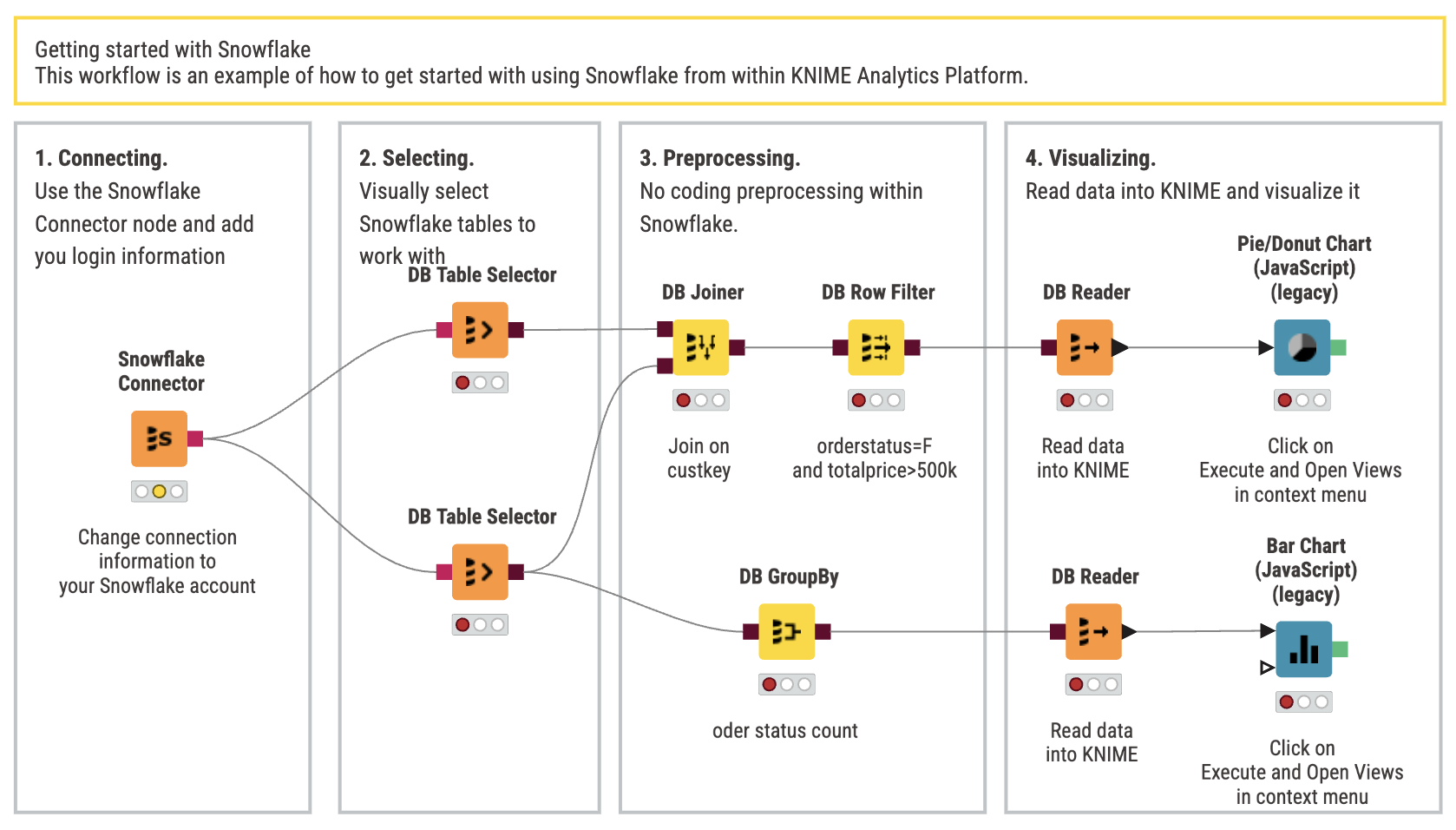
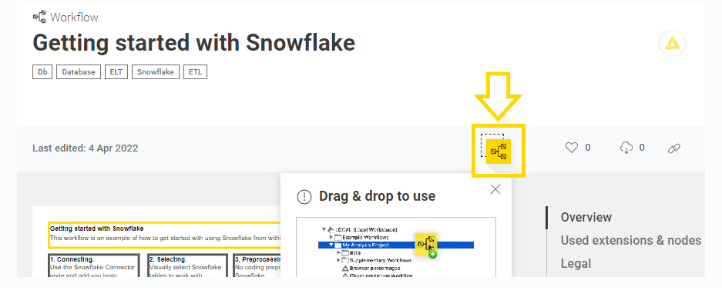
- Once the workflow is open in your browser, drag&drop the workflow icon into your Knime explorer and run it.
You'll get a prompt to install the Knime Snowflake Integration. Click yes to allow, and then follow the steps in the installation window.
Step 2: Connect Knime to your Snowflake account
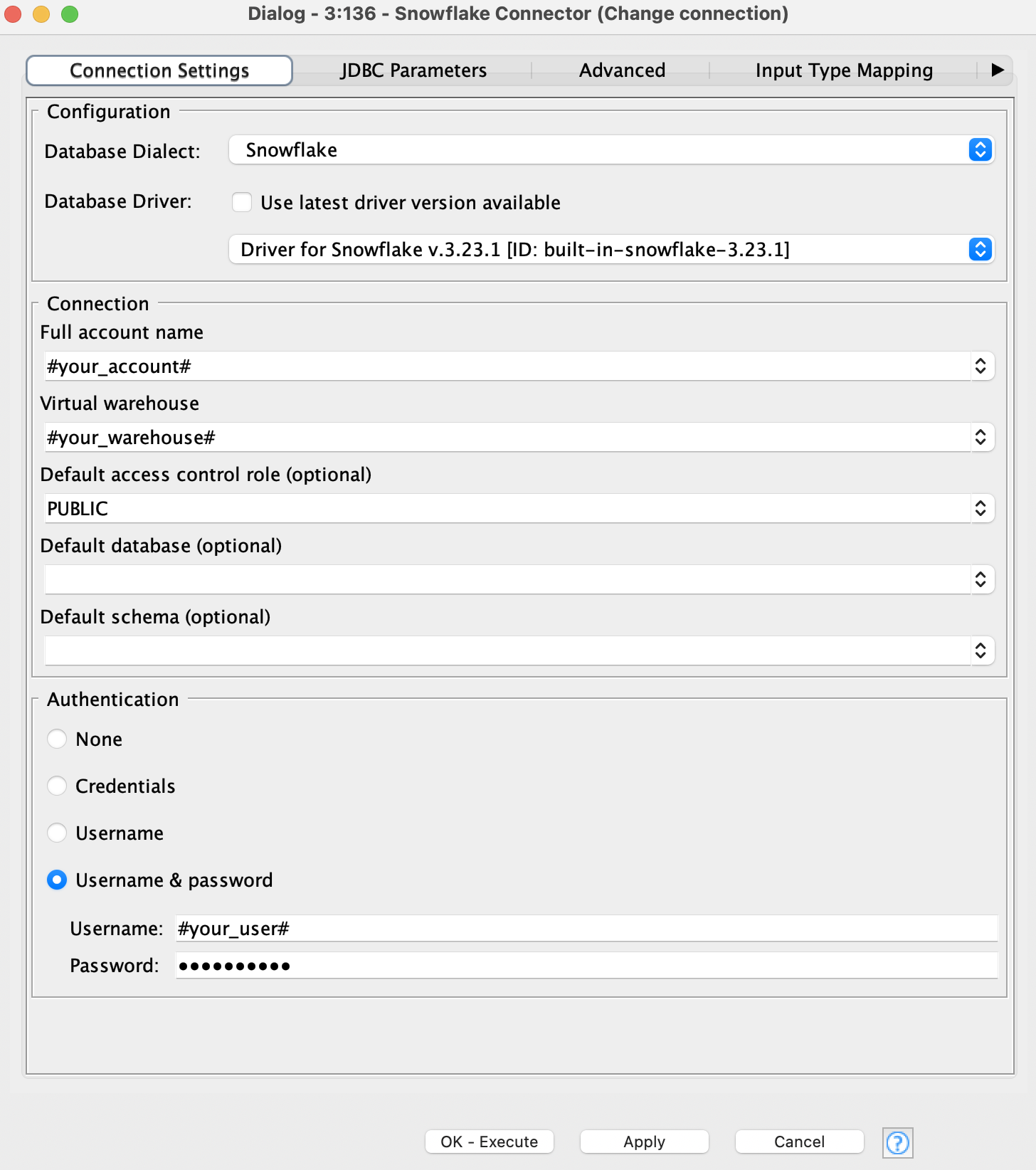
- Adjust the connection settings in the Snowflake Connector node to point it to your Snowflake account.
- Now run the workflow. It connects to your Snowflake account, selects “Customer” and “Orders” from the sample database, preprocesses the data, reads it into KNIME, and visualizes it.
Step 3: Try three example workflows
Continue exploring using Snowflake in Knime with these examples workflows.
Workflow: Getting Started with Snowflake
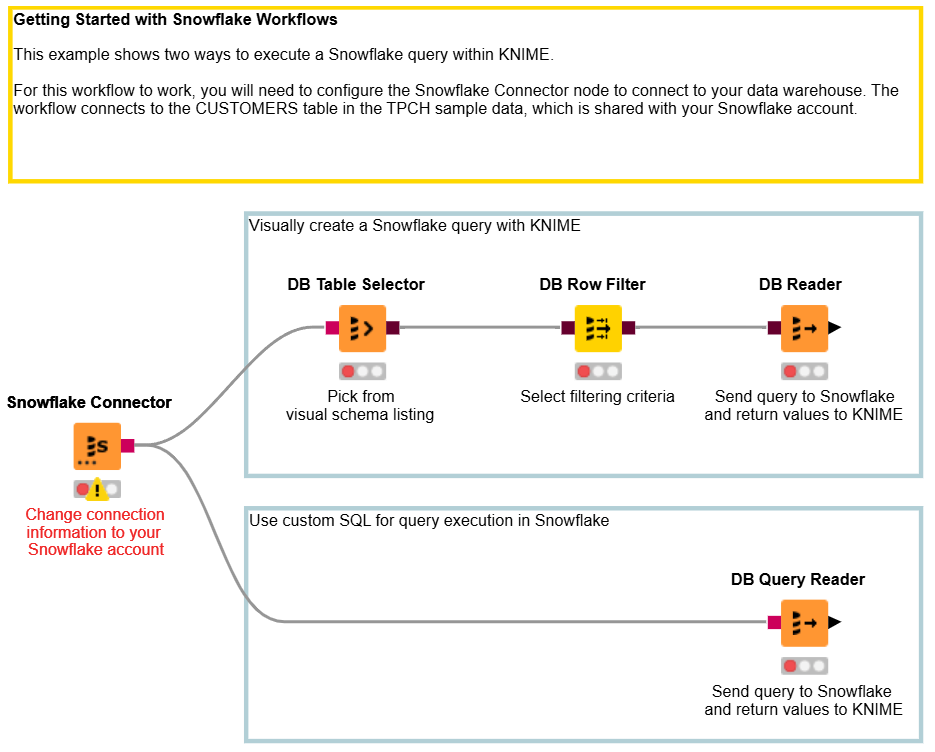
This example shows two ways to run a simple Snowflake query in Knime. You can either create it visually, or use custom SQL to execute the query. Explore the workflow here.
Workflow: ETL or ELT with Knime and Snowflake
You can use KNIME to get your data into the right form. Here are two examples of preparing and exploring customer data with ETL and ELT.
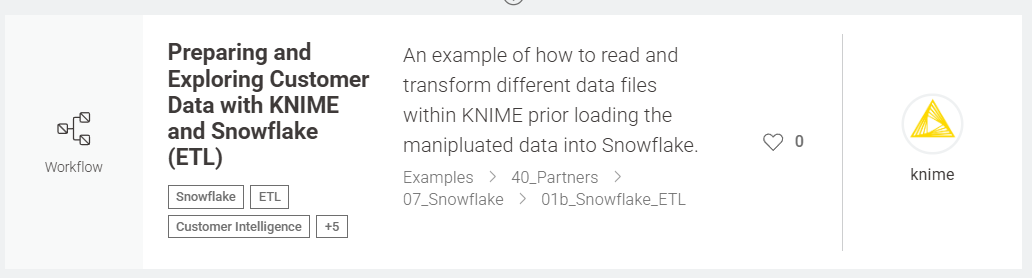
ETL example with Knime and Snowflake. Explore it here.
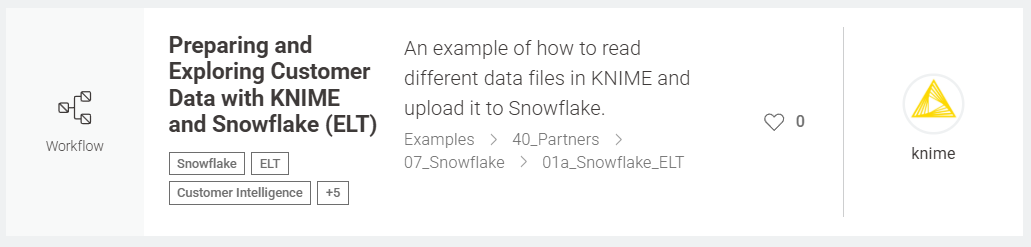
ELT example with Knime and Snowflake. Explore it here.
Workflow Collection: Knime for Snowflake users
A larger collection of workflows showing Snowflake integration patterns, transformations, and more. Explore the collection, KNIME for Snowflake Users. You can open any of these directly in KNIME, configure your connection, and start interacting with your data.
Tips for getting started with Snowflake in Knime
Here are some simple ways to build confidence as you learn:
- Start small: select a table and show a few rows before transforming anything.
- Add one transformation at a time (e.g., filter out a column).
- Use the built-in preview at each node to see what’s happening.
- Save your workflow and name each node clearly so you can come back to it later.
This process mirrors how many people learn coding — step by step and by doing. And because everything is visual, it’s easier to trace your logic and understand what’s happening behind the scenes.
Wrapping up
Starting with Snowflake and KNIME together offers a gentle path into cloud data analytics without the need to become a SQL expert first. You get:
- The power and scalability of Snowflake
- The visual, no-code workflow building of KNIME
If you’re just beginning with Snowflake and are curious about data workflows, KNIME is a great companion that will help you grow naturally into more advanced use cases when you’re ready.
Try the example workflows on KNIME Hub and see what’s possible without code.