
Share your analysis as an interactive interface your whole team can act on
- Build with drag-and-drop nodes and widgets — no coding required
- Guide non-technical stakeholders through the data, step by step
- Share by link with role-based access — nothing to install

Schedule a free consultation
A guided interface, not a workflow
The same visual canvas you use to build a workflow becomes the interface your business users click through — forms, dashboards, guided machine learning, and model monitoring included.
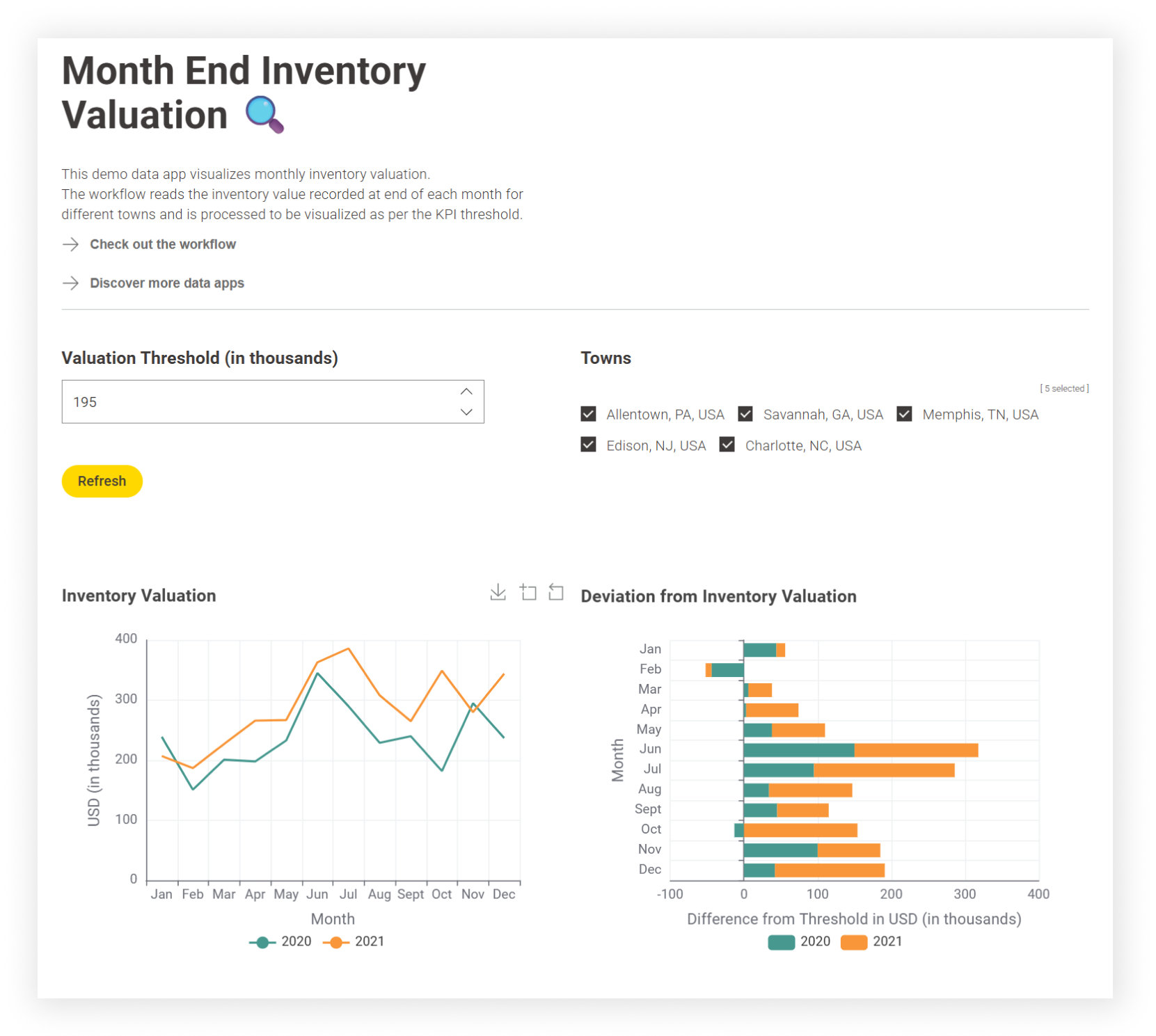
From workflow to shared interface in three steps

Build Visually
Start from your existing Knime workflow, or build one from scratch in the visual editor — no coding required.

Add Interactivity
Drop in widgets, visualization nodes, and dashboard controls so people can filter, adjust, and explore the analysis themselves.

Share and control access
Publish a link and manage who sees what with role-based access on Knime Business Hub.
Before you book
No. Data applications are built by dragging, dropping, and connecting nodes and components on the same visual canvas used for Knime workflows. Writing JavaScript or HTML is optional, not required.
A workflow is what you build. A data application is what you share — an interactive, point-and-click interface that lets someone else explore and act on that workflow's output in a browser, without opening Knime or exposing the logic behind it.
Through a link — public or private. Nothing to install. Access is controlled with role-based permissions when deployed on Knime Business Hub.